How to make a video with AI: the practical 2026 guide
How to make a video with AI in 5 phases: from brief to master delivery. Real tools, real timelines, mistakes to avoid. Practical guide 2026.
Founder · AI Visual Specialist
Making a video with AI doesn’t mean pressing a button and waiting. It means directing a production with different tools � but the same principles: clear brief, solid pre-production, controlled generation, professional finishing.
01 � Brief and script
Before opening any tool: write. An AI video without a script is a series of beautiful, incoherent clips.
The brief answers: who speaks, to whom, in what tone, with what goal. From the script we extract the shot-by-shot breakdown � each scene with target duration, framing type, visual mood. Without this, generation is a lottery.
02 � Pre-production: lock first, generate later
Before generating a single quality frame, two things need to be defined.
The visual draft � a fast, rough version of the entire video, at low resolution, used only to approve rhythm and narrative sequence. It costs little compute and prevents wasting hours on an edit that doesn’t work.
Fixed visual references � colour palette, lighting style, character appearance, locations. Once decided, these references become input for every subsequent generation. This is how frames stay consistent with each other instead of looking like they came from different videos.
03 � Shot-by-shot generation
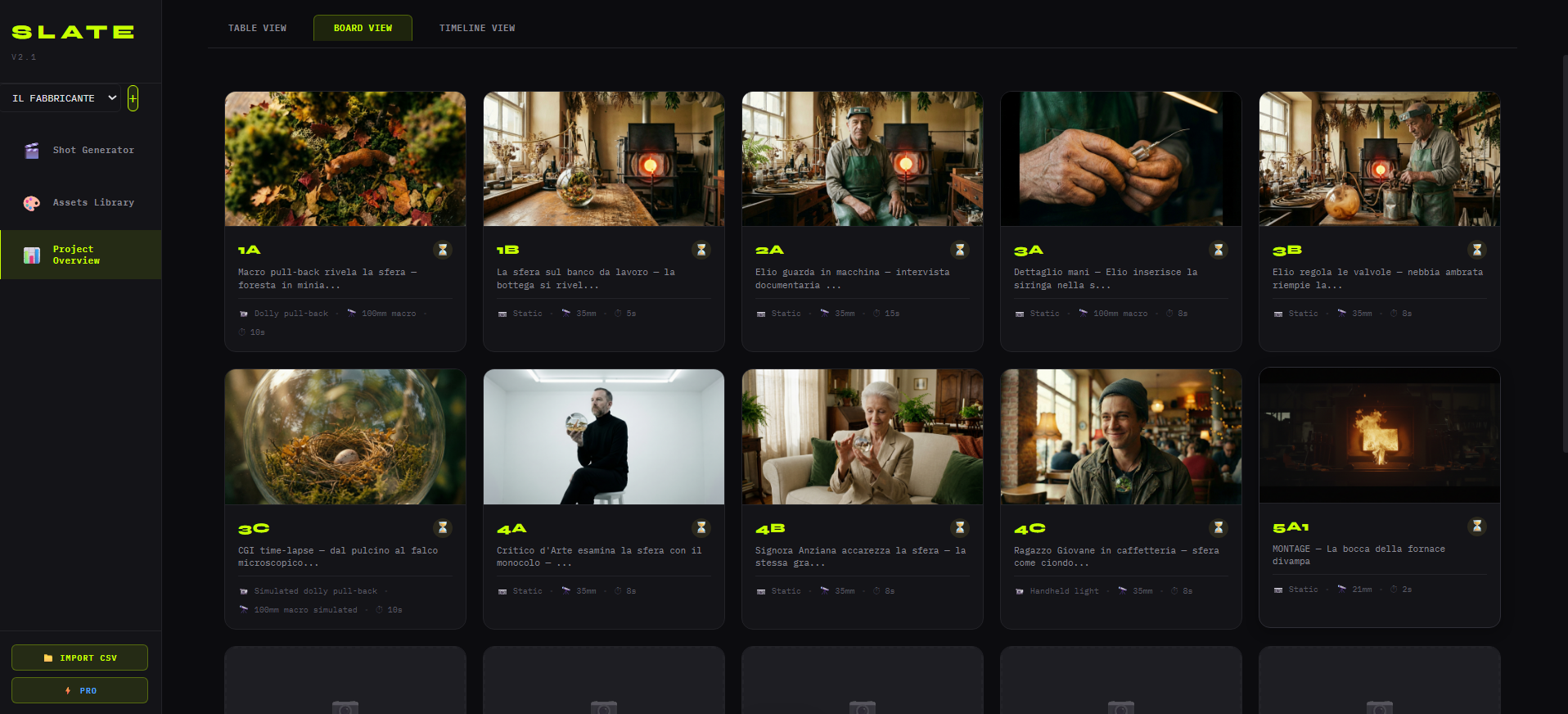
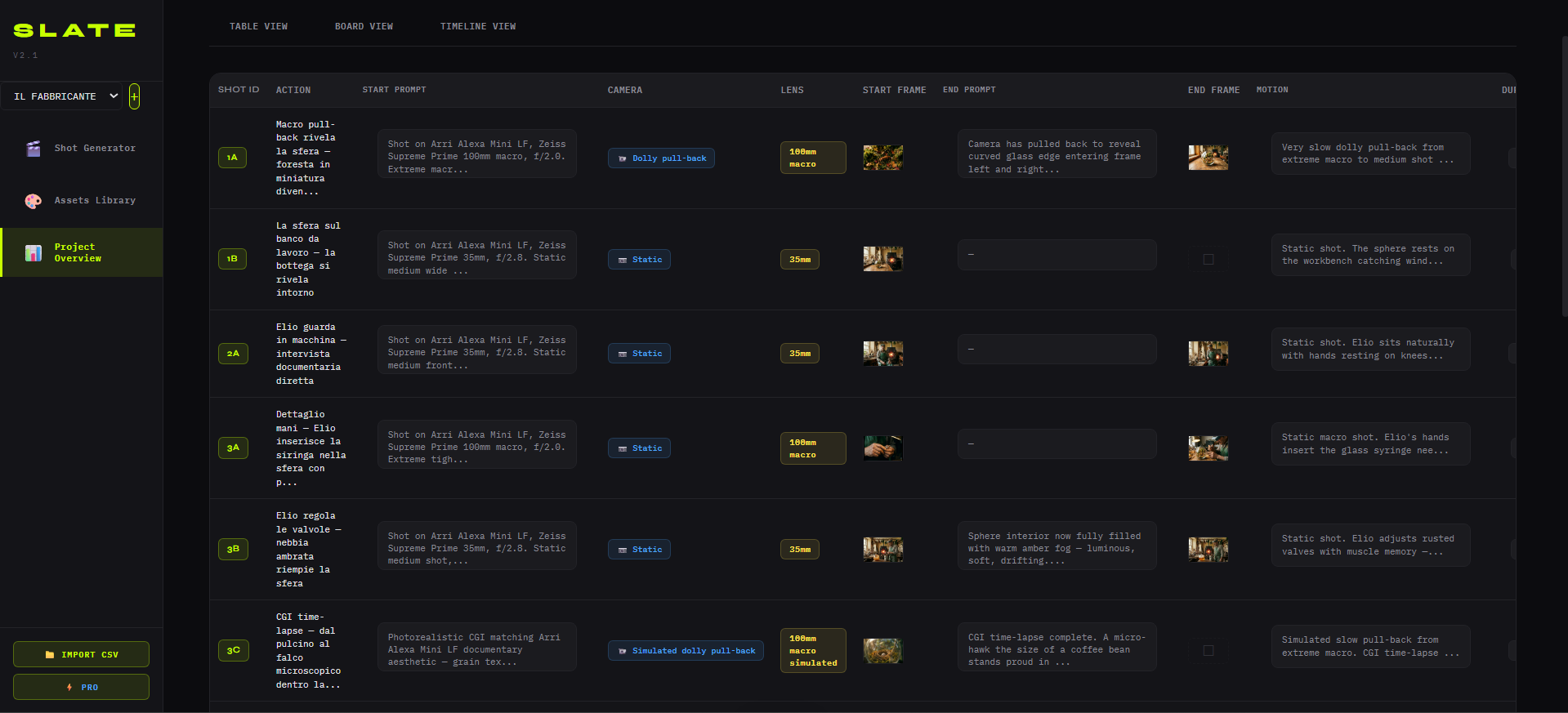
Each shot is generated separately, with its own unique ID linked to the script. Tools are chosen based on need:
Veo 3.1
cinematics, realism
Kling
motion control
Luma
transitions, abstract
HeyGen
lip-sync, speech
For each critical shot, 3-5 variants are generated and the best is chosen. There’s no such thing as a perfect “first take” � just like on a real set.
Common mistake
Using a single tool for everything. A mature pipeline is multi-model, selected per shot.
04 � Post-production and finishing
Raw frames are not a video. Finishing is where AI production becomes professional.
Editing and cut
rhythm, narrative, pacing
Color grading
DaVinci Resolve, final look
Sound design
music, effects, voice
Audio mix
-23 LUFS, EU broadcast standard
4K master
ProRes 422 HQ + cutdowns 9:16, 1:1, web
05 � Revisions and delivery
Two formal revision cycles on the cut. Then delivery via cloud: broadcast master, social versions, project files.
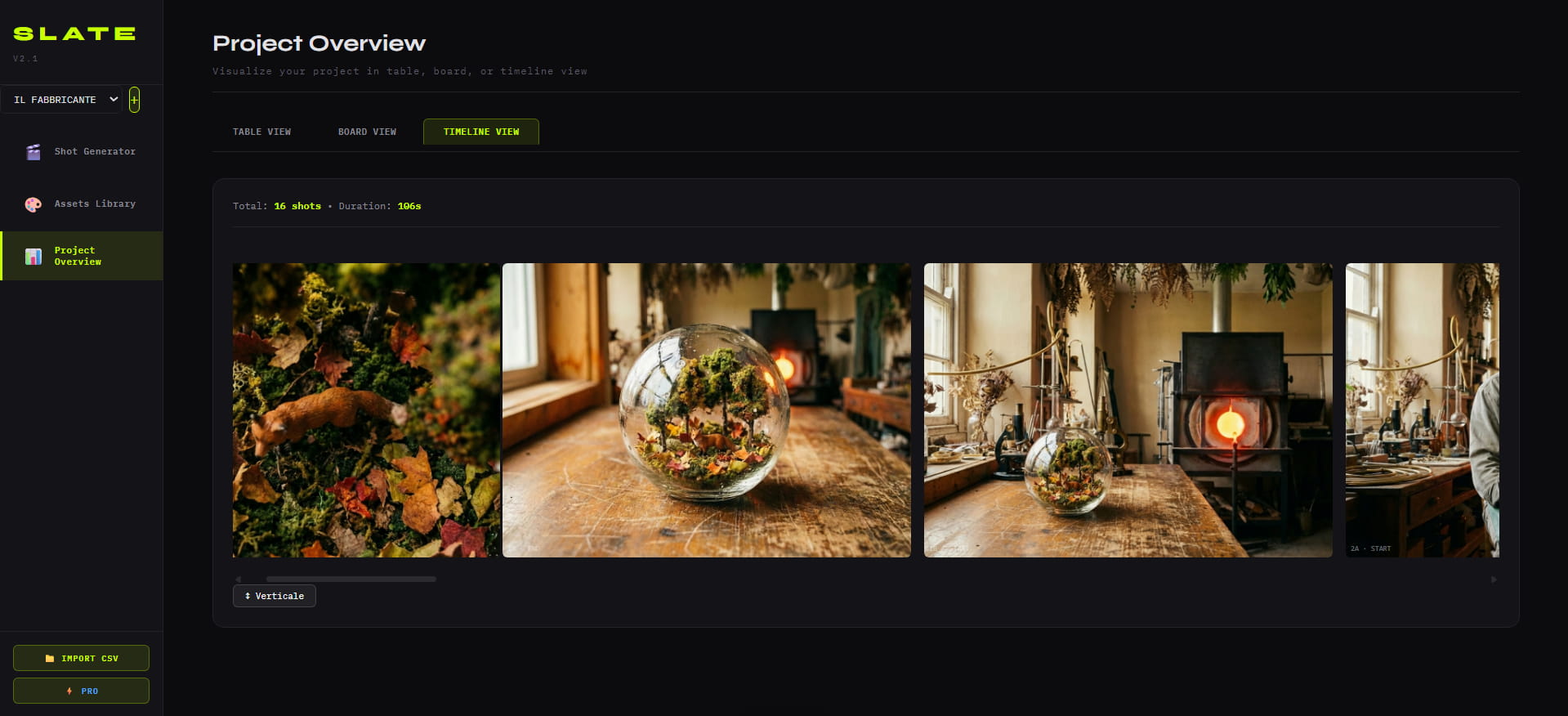
5�7 days
for a 30s spot � vs 4�6 weeks of the traditional pipeline
The difference between doing it yourself and working with a studio
The 5 phases above can be followed independently if you have the time, tools and expertise at each step. The result depends on the experience of whoever executes them.
When a brand needs broadcast quality, guaranteed visual consistency and certain delivery, the SLATE system at MaiDreamsLab compresses these phases into a tracked workflow � with Gianni Spezzano’s creative direction on every project.
Got a brief? Book a free 30-minute diagnostic call: we’ll tell you how quickly it can be produced and at what cost.
Got a brief?
Book a free 30-minute diagnostic call: we'll tell you if SLATE applies to your project.
Book a call